
Get help from a person
Send us a question from the dashboard, or use the contact form.
From the dashboard
- Tap ? at the top of any page, or open Settings, then Help.
- Tap Get help.
- Write a short title and what happened.
- Tap Send.
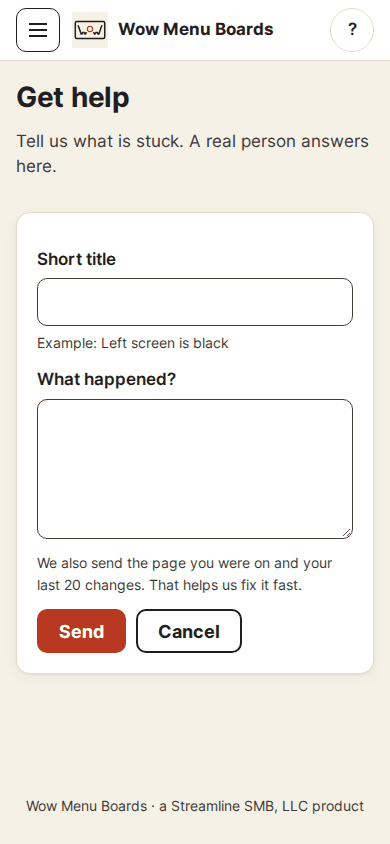
We add the page you were on and your last 20 changes, so you do not have to explain it all.
Our answer
We answer inside the dashboard, under Your help requests. We email only to say "You have a reply". Please do not send passwords or card numbers.
Cannot sign in?
Use our Contact page. Pick Support. We usually reply within one business day. We do not list a phone number or a public email address. The form is the way to reach us.
Looking at your account
We never look at your account without your OK. If we need to, we ask you. You see the request under Help, then Support access. Say yes and we can look for 24 hours, or say no. Every look is written in Activity, and you can end it early.
Activity
Owners can see every change in Activity: who did it, what, and when. It is a permanent record. Nobody can edit or delete it.
Still stuck?
A real person answers. We usually reply within one business day.