
Account and billing
Add your team, and what each role can do
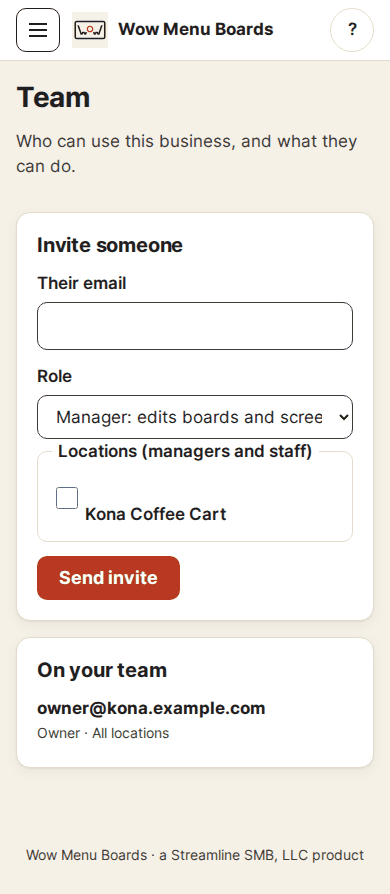
Owner, Manager or Staff. Invite someone with their email.
The three roles
- Owner: everything, including billing and people.
- Manager: edits boards and screens at their places.
- Staff: can see screens, nothing else.
If you turn it on in Menu settings, Staff can also mark items sold out and back in stock. They never see prices, categories or settings.
Invite someone
- Open Settings, then Team. Only owners see it.
- Type their email.
- Pick a role. For Manager and Staff, pick the places they can use.
- Tap Send invite.
They get an email with a link. They tap it, and we email them a 6-digit code. After they type it, they are in. An invite lasts 7 days. You can cancel an invite that is waiting.
Change a role, or remove someone
Under On your team, change a person's role and save. Or remove them. They are signed out of your business right away.
Is there always an owner?
Yes. Every account keeps at least one owner. The last owner cannot be removed.
Switch between businesses
Do you work with more than one business? Open the menu and tap Switch account.
Still stuck?
A real person answers. We usually reply within one business day.