Digital menu boards for restaurants
The plain guide: what to buy and what to ask.

A digital menu is a menu on a screen. There are three kinds, and they take very different amounts of your time.
A digital menu is a menu that lives on a screen instead of on paper. A customer can read it on a TV on your wall, on their own phone, or on a tablet at the table. The words and pictures can change in minutes, with no printing.
That is the whole idea. People use the words in different ways, so the same search can mean three things. We run Sweet Aloha Ice Cream in Davie, Florida, and we use all three kinds in some form. Here is each one, in plain words, with what it costs you in time.
The customer scans a QR code and a menu opens in their phone's web browser. It works well for tables and for lines where people wait with a phone in hand. You make one web page, and the code points to it.
The upside is that it costs little and updates fast. The downside is that the customer has to take a phone out and scan. Many people do not, and the menu on the phone is small. In our shop, the order QR code sits inside our board picture, next to the words “Order yours today!”, so the phone is for ordering and the wall is for looking.

A tablet at the table, or a touch screen at the counter, lets a customer tap through a menu. Some also take the order. This is often called an interactive digital menu.
It costs more in money and in time. Each tablet needs charging, cleaning, updates and someone to fix it when it freezes. It makes the most sense in a sit-down restaurant that takes orders at the table. Touch screens are planned for Wow Menu Boards for later. They are Coming soon, not live today.
This is the one we build. A TV on the wall shows your menu as pictures and short videos. Customers read it while they wait. Nobody has to take out a phone or touch anything.
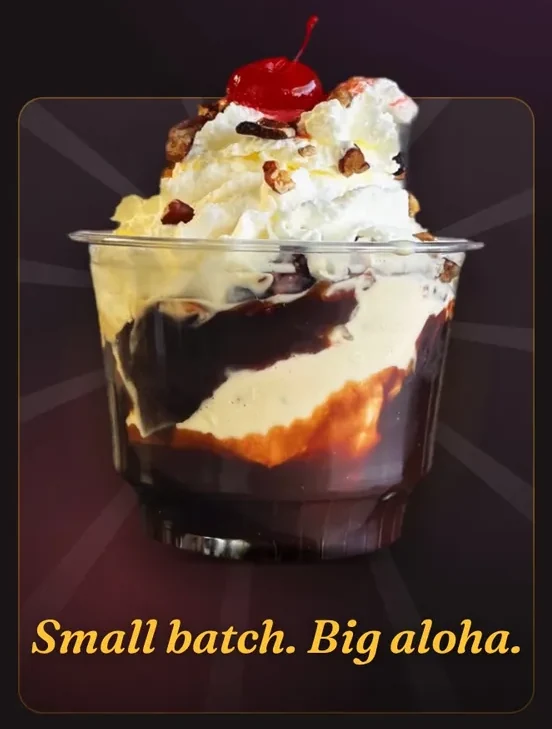
It is the best fit for a counter, a shop or a food stand, where the line looks up at a menu. One TV can serve a whole line at once. The menu can move: a sundae can turn on the right side while the prices stay still on the left.
Money matters, but the weekly time matters just as much. This table shows what each kind asks of you or your team.
| Kind | Setup | Each week | Watch for |
|---|---|---|---|
| Phone menu (QR) | Make one web page and a code | Edit the page when prices change | Customers who will not scan |
| Tablet or touch screen | Buy, charge, set up each one | Charge, clean, fix, update | Broken or missing tablets |
| Wall screen | Hang a TV, add a player | Almost nothing once it runs | A bad spot with glare |
The wall screen asks the least of your team. At our shop, nobody touches a remote. The screens come on and go dark by schedule, and updates arrive on their own.
Ask one question: where does your customer look while deciding? If they stand in a line, look at the wall. If they sit at a table with a server, a phone menu or tablet can work. Many shops use two: a wall screen for the line, and a QR code for ordering from the phone.
If you only do one thing, put your best-selling items and prices on a wall screen and keep the words short. Our rule of thumb is a board a person can read in 3 to 5 seconds.
Want a wall screen like ours for your shop? We set up your first screen with you.
We make wall screens. Our player runs on Fire TV, which is built into many TVs, or on a Fire TV Stick plugged into any TV. These things work today, in our own shop:
Menu sync from your register is Coming soon, Clover first. So is a dashboard to edit your own board. Today you send us the change and we update it. See all features, with Live and Coming soon marked. If the words “electronic menu board” are what you searched, read our page on the electronic menu.
The plain guide: what to buy and what to ask.
Seven ideas from a shop that runs them, with our real boards.
Five steps, with examples from our shop.
How the TV you own becomes a board.
Which kind of tool fits a small shop.
We open free trials a few shops at a time, and we set up your first screen with you.
14 days free, no cardNo contract. Cancel anytime.