How to update a digital menu board
What changing a price looks like, step by step.

Square runs your register. A menu board runs on the TV your customers read. Here is how the two work side by side today.
Square makes the register, the card reader and the kitchen display. Its kitchen display (Square KDS) shows new orders to your cooks, with ticket timers and prep stations. You can read how it works on Square's own KDS page. It is made for the people in the back, not for the guest at the counter.
The screen your guests read is a different job. It shows your items, your prices and a few good photos, and it stays on all day. Many Square shops fill that job with a separate menu board.
Think of it as two screens with two jobs. One faces the kitchen and changes with every order. One faces the customer and changes only when the menu does.
Here is how it works at a shop with Square today. Your register stays your register. Your menu board runs next to it on its own TV. You do not plug the board into Square, and you do not change how you take orders.
We run our boards the same way at Sweet Aloha. The register is one thing, and the screens are another. Our TVs play full-HD pictures and motion, switch on and off at our opening and closing times, and keep playing if the internet drops. All five of our TVs do this every day.
Your TV can be one you already own. If it has Fire TV built in, you install our app. If not, you plug a Fire TV Stick into the HDMI port on the back.
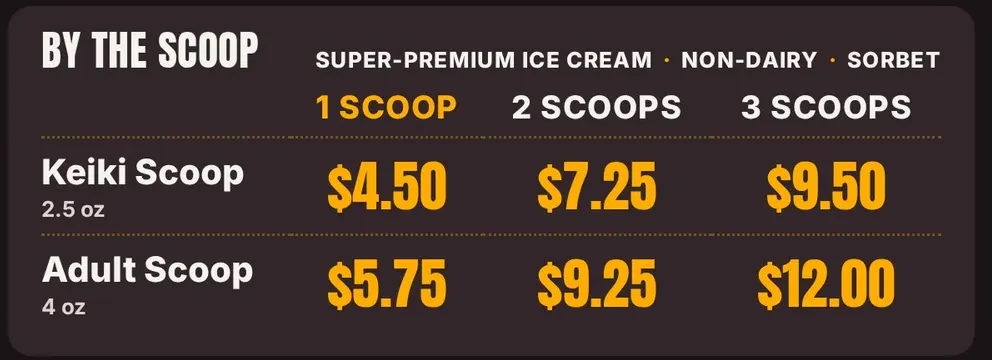
Say you change a price in Square. Maybe a large shake goes from one price to the next on Monday. Here is what you do on the board side.
That is two places to update, and we are plain about it. The board does not read Square by itself today. If you forget to tell us, the register and the screen will not match. Keep a short habit: price changes at the register, then one text to us the same day.
Use Square and want a board? Tell us. We set up your first screen with you, free for 14 days, no card.
Here is a plain look at the work. Each job has one owner, so nothing is left to guess.
| Job | In Square | On the board |
|---|---|---|
| Take an order | Your register takes it | Nothing to do |
| Change a price | You change it in Square | You send us the change, we update the board |
| Add a new item | You add it in Square | You send us the name, price and a photo |
| Show orders to cooks | Square KDS, if you use it | Nothing to do |
| Turn the screen on and off | Nothing to change | Set to your hours, no remote |
You do not need your whole Square catalog on the screen. Most shops have far more items in the register than a customer can read at once. Pick the 12 to 18 items people ask about most.
For a cafe on Square, that may be 8 drinks, 4 food items and 3 add-ons. Put the sizes and prices in one clear column. Use big type: about 48 pixels for item names and 56 for prices on a 1080p screen. Keep one photo of your top seller.
Items that sell out each day can stay in the register and stay off the board. When a new seasonal item arrives, send it to us with a photo, and it can ride in the next update.
Whatever board you choose, ask these. They matter more than the feature list.
Our answers: our Basic plan is $12 per screen, per month. Standard is $19 and Pro is $29. There is no contract, and you can cancel any time. See pricing for what each plan includes, and what works with your register today.
What changing a price looks like, step by step.
What "cloud" means for a small shop.
What small shops really pay, in plain parts.
Five steps, with examples from our shop.
How the TV you own becomes a board.
What works with your register today.
We open free trials a few shops at a time, and we set up your first screen with you.
14 days free, no cardNo contract. Cancel anytime.