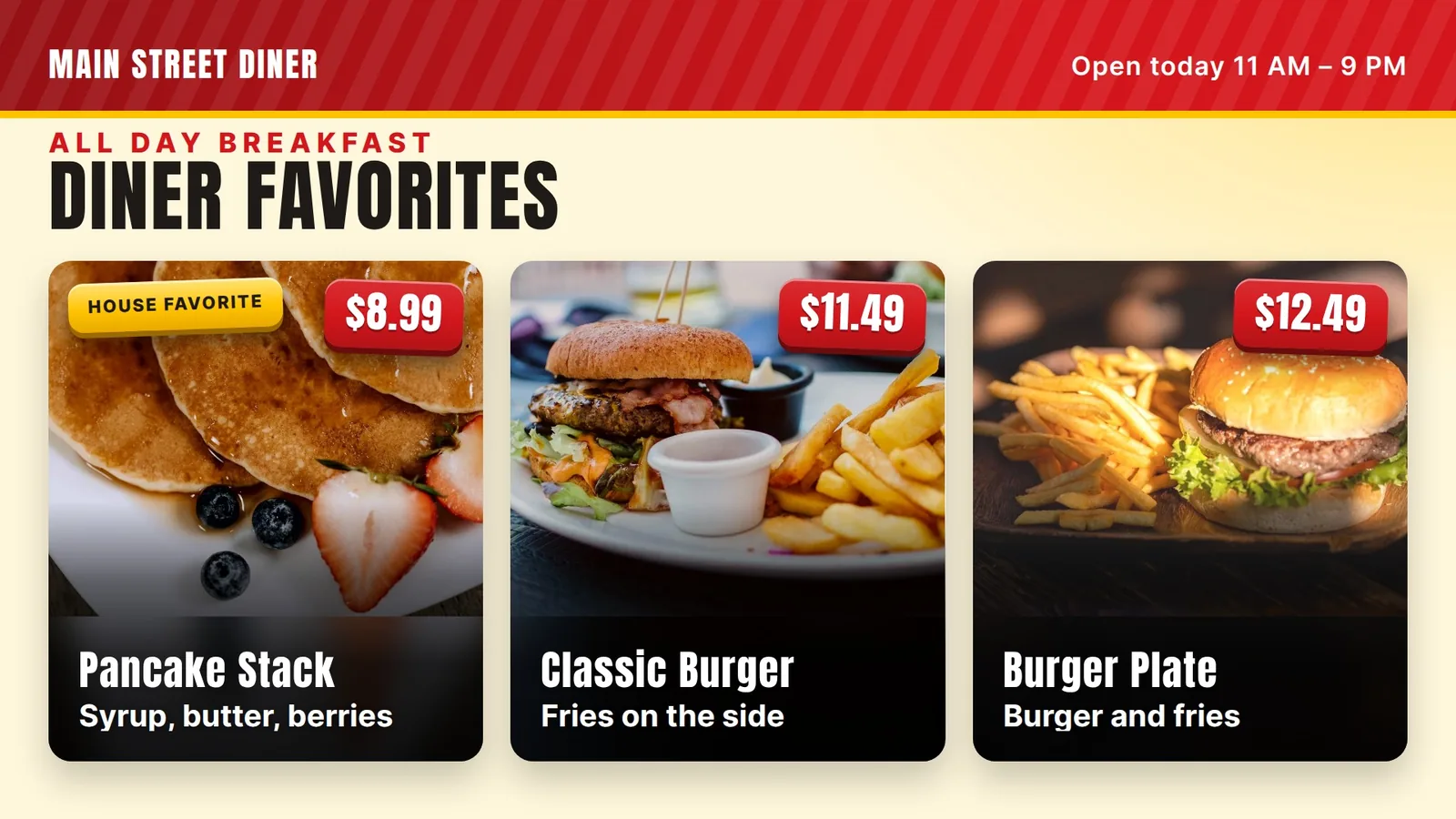
Fast-food style menu board
Big combos, short lists and clear prices.
14 days free. No card.
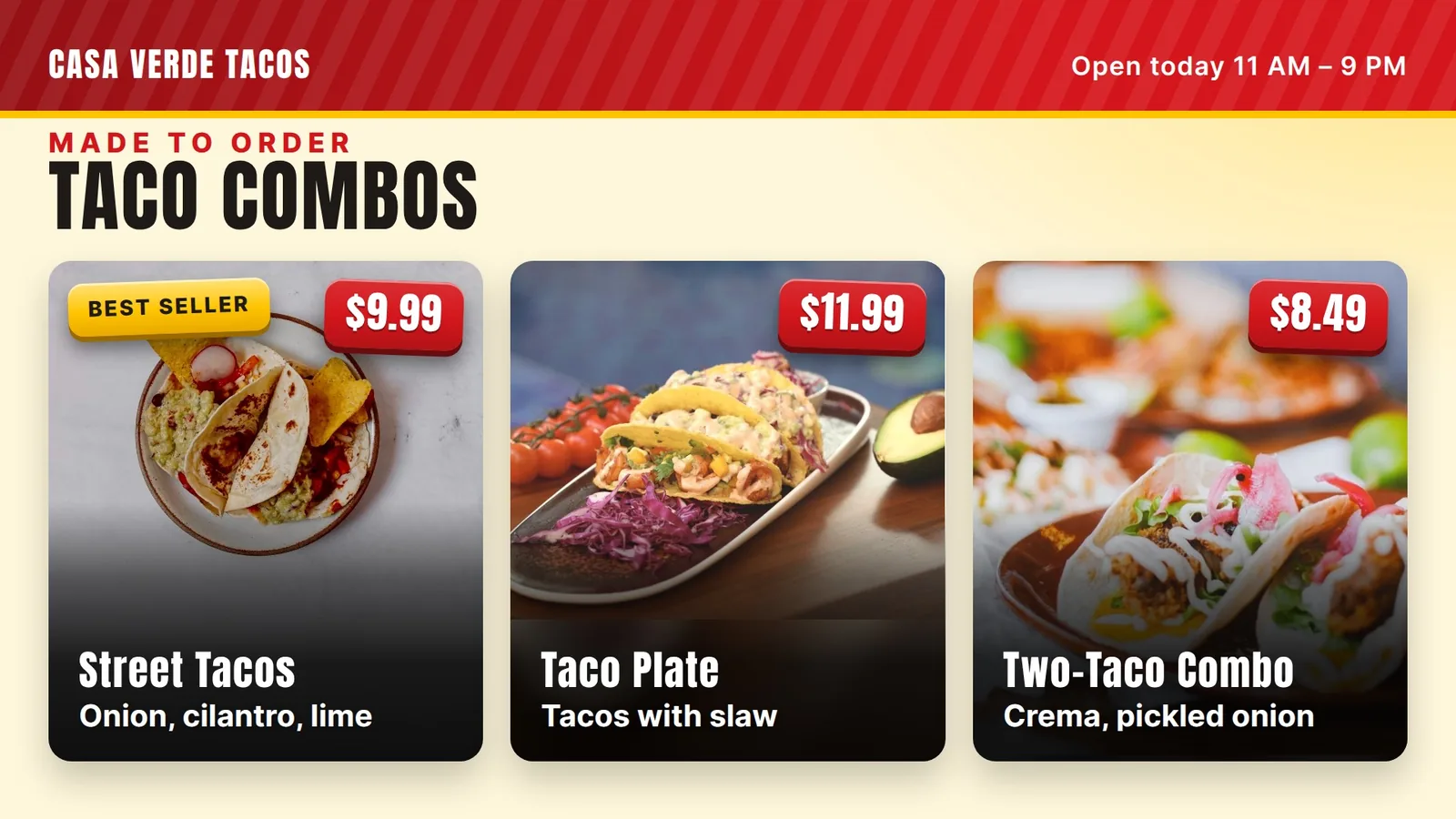
Tacos have many choices, and a busy board slows the line. Here is a simple way to show combos first and keep the rest short.
A taco order has many parts: shell, protein, toppings, salsa and a drink. Put every part on the board and you get a wall of tiny words. People in line stop reading and ask, “What do you recommend?”
That slows the line for everyone. The goal is a board that lets a new guest decide before they reach the register.
Our rule of thumb: more than about twelve prices on one board is too busy.
Our ice cream shop has many flavors, so we keep the prices few and the photos big.
Most guests want a plain answer: “What should I get?” A combo is that answer. Put two or three numbered combos in the biggest block, on the left, where eyes land first. Give each a short name and one price.
Then add a smaller “Build your own” block for guests who know what they want. That is where the price per taco goes.
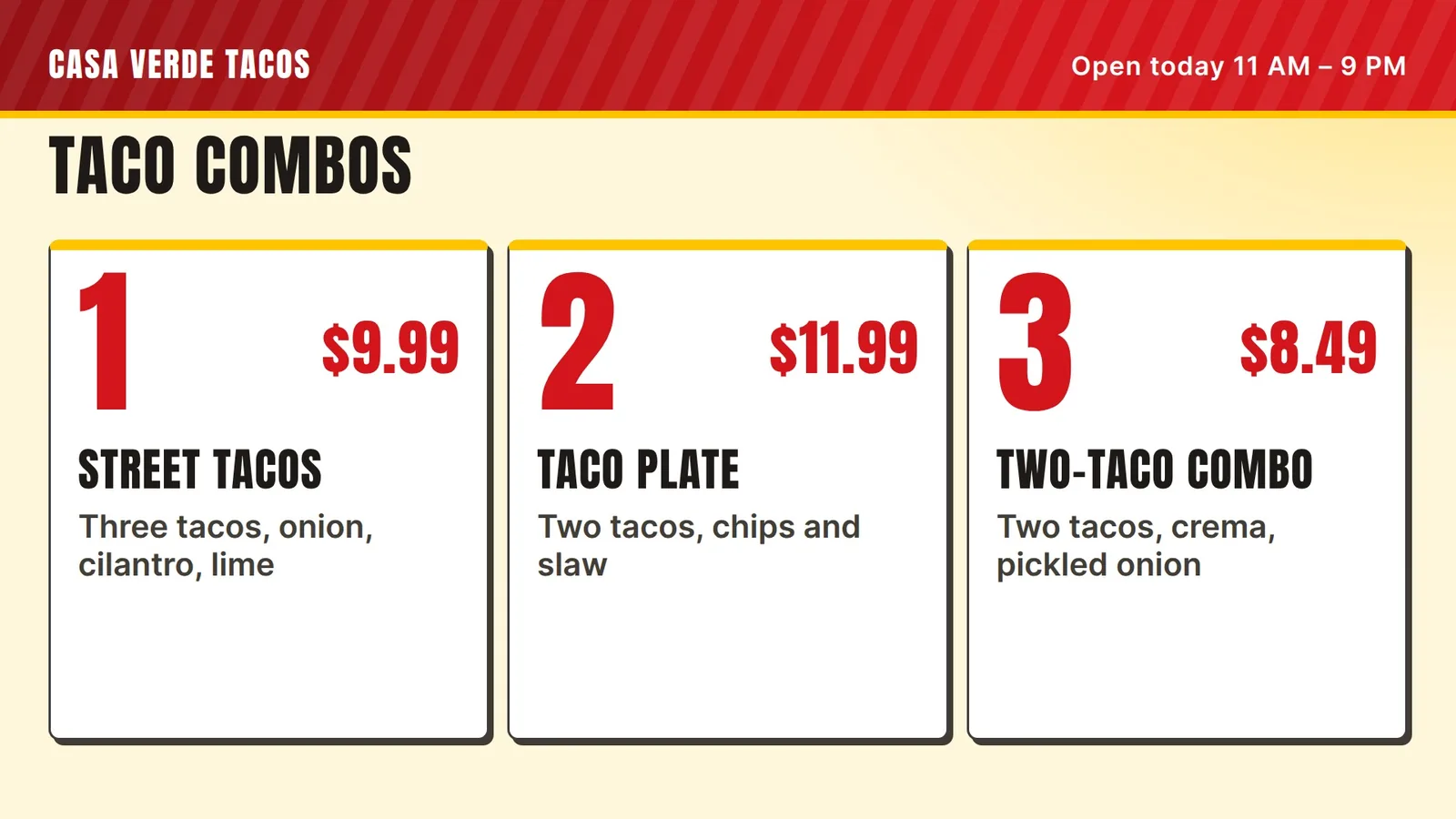
Short columns are easy to scan. Long lists are not. Keep each column to four or five lines.
Keep each price in the same spot on every line. When numbers line up, the eye finds them fast.
Our rule of thumb for a 1080p screen: names about 48 pixels tall, prices about 56 to 64.
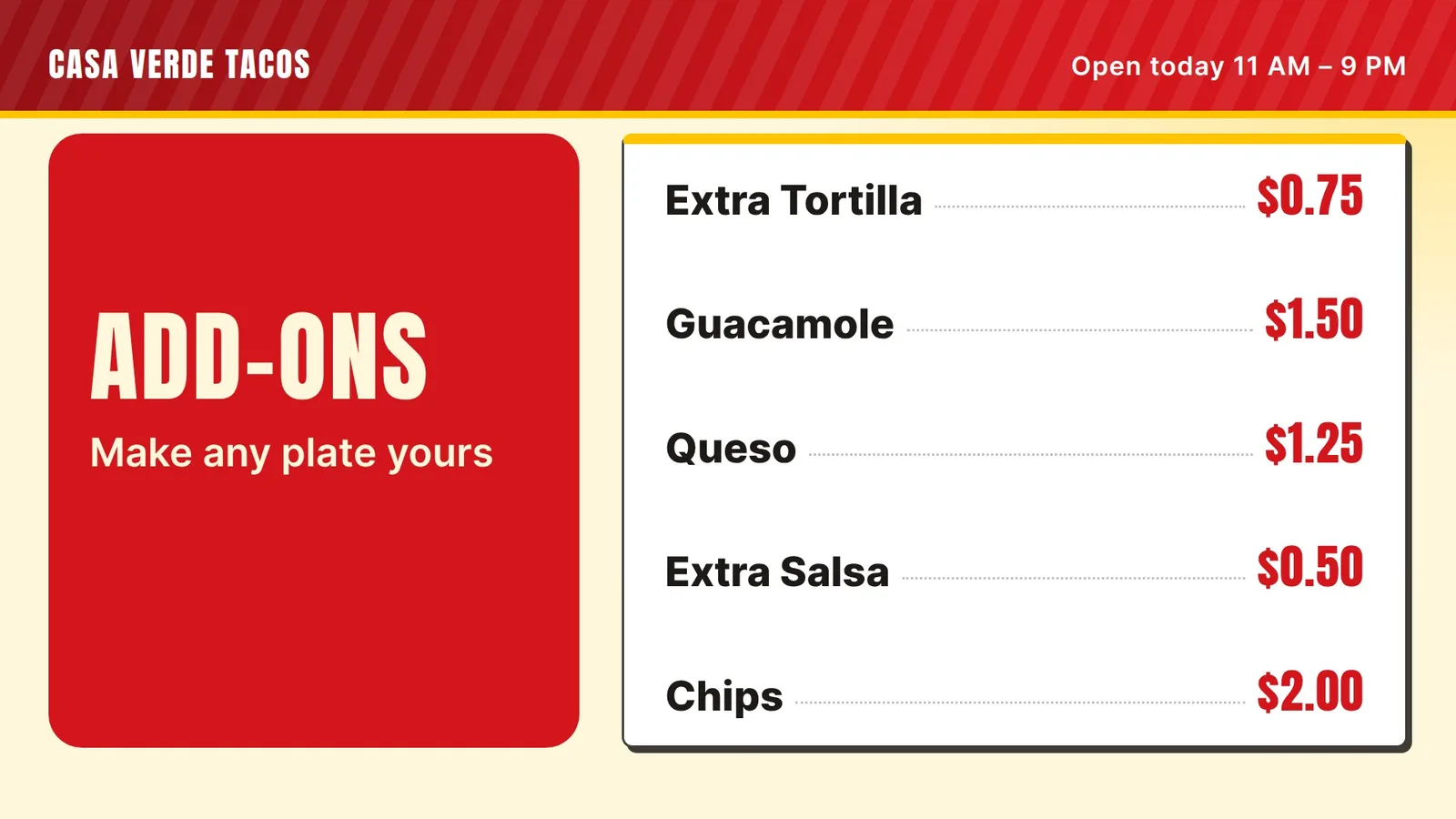
Want a taco board like this? We set up your first screen with you. Try it free for 14 days, no card.
Many taco shops serve guests who read Spanish, English or both. You do not need two screens. Put both names on one line and keep the price once.
An example of one line with both languages and one price. The items and prices are made up.
Do not shrink the letters to fit two languages. If it will not fit, use fewer items.
How we handle it: you send us the words in both languages, exactly as you want them. Our team builds the board from your text. The board does not translate by itself. You know your menu names best.
A printed board makes a special hard. You tape paper over the old sign, and it looks messy by Friday. On a screen a special is one block. Keep the same spot every day and only the words change.
An example special block. The item and price are made up.
Today it works like this:
You may be able to use a TV you already own. A TV with Fire TV built in, or a Fire TV Stick in an HDMI port, can run our app. See the Fire TV menu board page.
The first 14 days are free, with no card, and there is no contract. See pricing for what each plan includes.
Our five screens run in an ice cream and shave ice shop in Davie, Florida, and this advice comes from there. We have not set up a screen inside a taco shop yet. If you run one, tell us what you need and we will say plainly if it fits. More ideas are in fast-food style menu boards, pizza shop menu boards and menu board design tips.
Big combos, short lists and clear prices.
Combos, wings and price changes on a screen.
Six plain rules for a board people can read fast.
How the TV you own becomes a board.
We open free trials a few shops at a time, and we set up your first screen with you.
14 days free, no cardNo contract. Cancel anytime.

