Fire TV menu board
How the TV you own becomes a board.

The player is the small computer behind the TV. Here is what it does, how to get one, and what to ask before you buy.
A digital menu board is two parts: the TV and the player. The TV shows the picture. The player is the small computer that gets your menu from the internet, saves it, and sends it to the TV. Without a player, the TV only has a blank screen.
You may hear other names for it: media player, digital menu player, or menu box. They all mean the same thing. A good player does four jobs. It plays video smoothly. It follows your hours. It keeps playing when Wi-Fi drops. And it updates itself, so you never carry a USB stick to the wall.
Some TVs have Fire TV inside them. There is nothing to plug in and nothing to hide behind the set. This is the cleanest option, because there is no stick to knock loose and no extra cable. Look for “Fire TV” on the box or in the TV's menu.
Three of our five TVs at Sweet Aloha are this kind. They run our menu board every day, in full HD with motion. If you are buying a new TV for a menu, this is the one we would look for first.
A Fire TV Stick is a small stick about the size of a pack of gum. It plugs into a free HDMI port on the back of your TV, and a power cable plugs into a wall outlet. It turns almost any TV into a menu board.
Two of our five TVs use sticks. Before you hang a TV, check that an outlet is within reach and that you can reach the HDMI port. Tape or run the cable behind the wall so it does not hang. The stick price changes by store and by sale, so check the store for today's number.
Some companies sell their own box. It is a larger player, with its own power, and often its own price. The box can work well, but ask what it costs, who fixes it if it breaks, and whether you can use your own TV.
The honest tradeoff: a box is one more thing to buy, plug in, power and replace. A built-in player or a stick has fewer parts, and fewer parts means fewer things that can go wrong on a busy night. We do not sell a box. Our app runs on the Fire TV you already have.
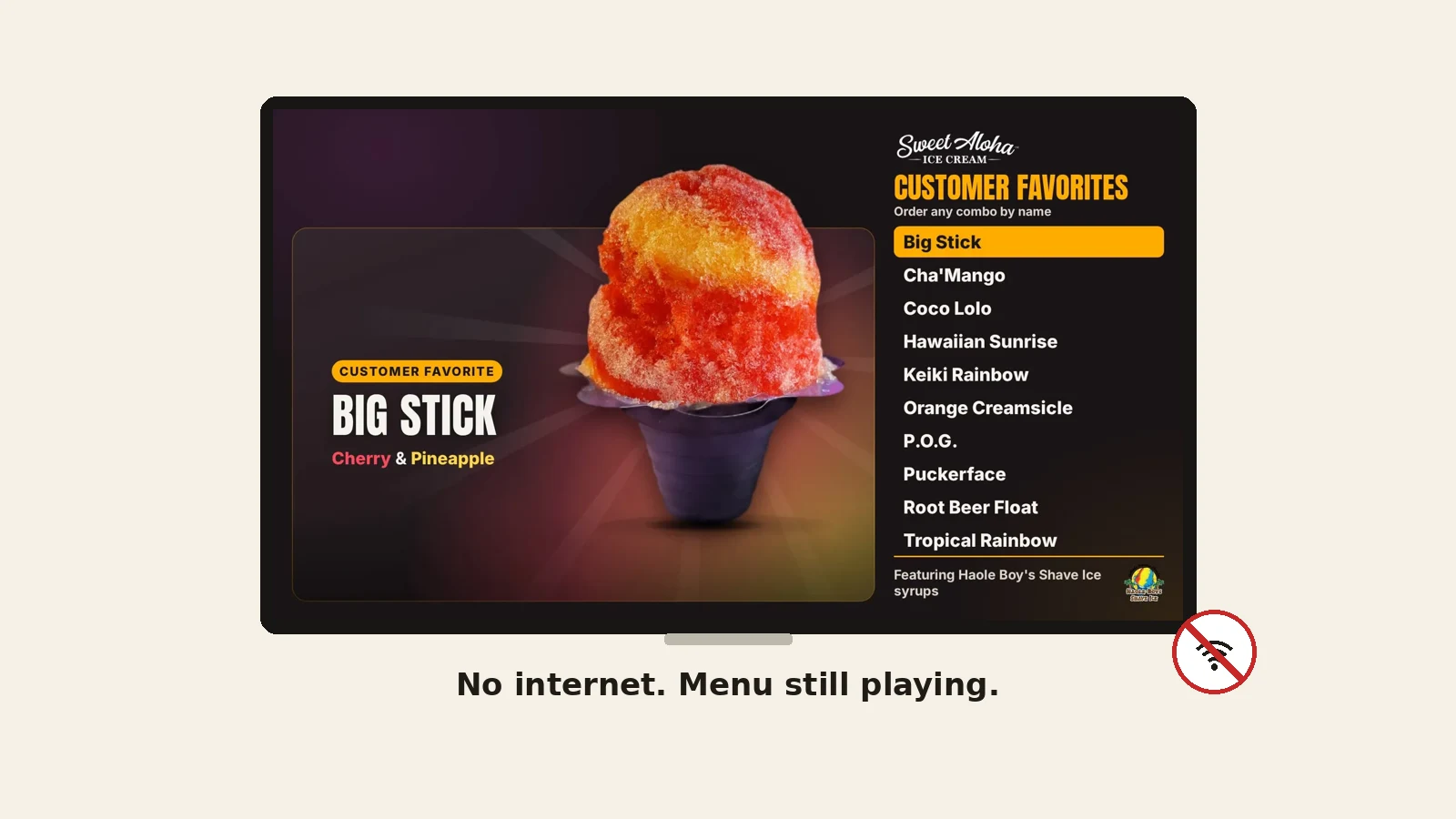
The internet question matters most. A screen that goes blank on your busiest night is the wrong answer. Ask to see it work with Wi-Fi turned off.
This is what runs at Sweet Aloha today. The app on each player saves your menu on the TV, so the board keeps playing with no internet and catches up when it returns. The screen goes black after hours and returns at opening to the minute, while the TV stays on. Nobody on our team touches a remote.
Installing from the Amazon Appstore is Coming soon. Today, our team helps every new shop install the app, so you are not left alone with a stick and a code.
Not sure what your TV needs? Tell us the model and we will set up your first screen with you.
There is no player box to buy with us. The software is $12 per screen, per month on Basic, and a stick, if you need one, is a one-time purchase at the store's price. See the whole list on our digital menu board cost page.
How the TV you own becomes a board.
Five steps, with examples from our shop.
What small shops really pay, in plain parts.
The plain guide: what to buy and what to ask.
Which kind of tool fits a small shop.
We open free trials a few shops at a time, and we set up your first screen with you.
14 days free, no cardNo contract. Cancel anytime.