Menu boards for restaurants
A plain guide for owners.
14 days free. No card.
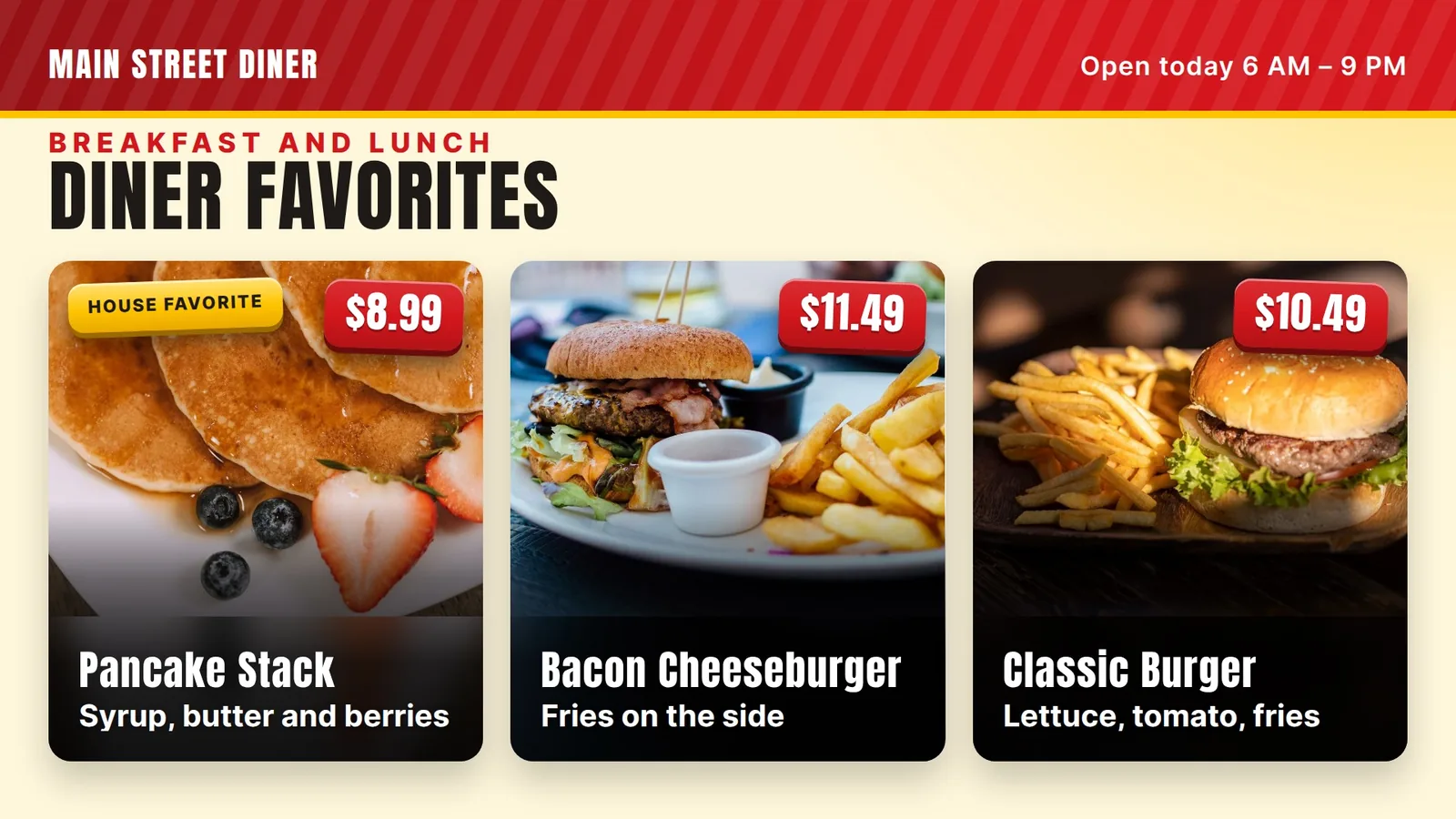
A diner menu has pages, but a wall has seconds. Here is a plain plan for a board that shows your favorites, your special and your coffee.
A real diner menu has pages: eggs, omelets, pancakes, burgers, sandwiches, plates, pie. That works on paper in a booth. It does not work on a wall, where guests have a few seconds before they step to the counter or wave at a server.
So the board does a different job. It does not list everything. It shows the favorites and the prices, and it points guests toward the paper menu for the rest.
Think of the board as the front window of the shop. It shows your best items, and the full menu is inside.
The board shows the favorites and the prices.
Look at your orders from the last month. Which items sell every day? Pick eight to twelve. Those go on the board. Everything else stays on paper.
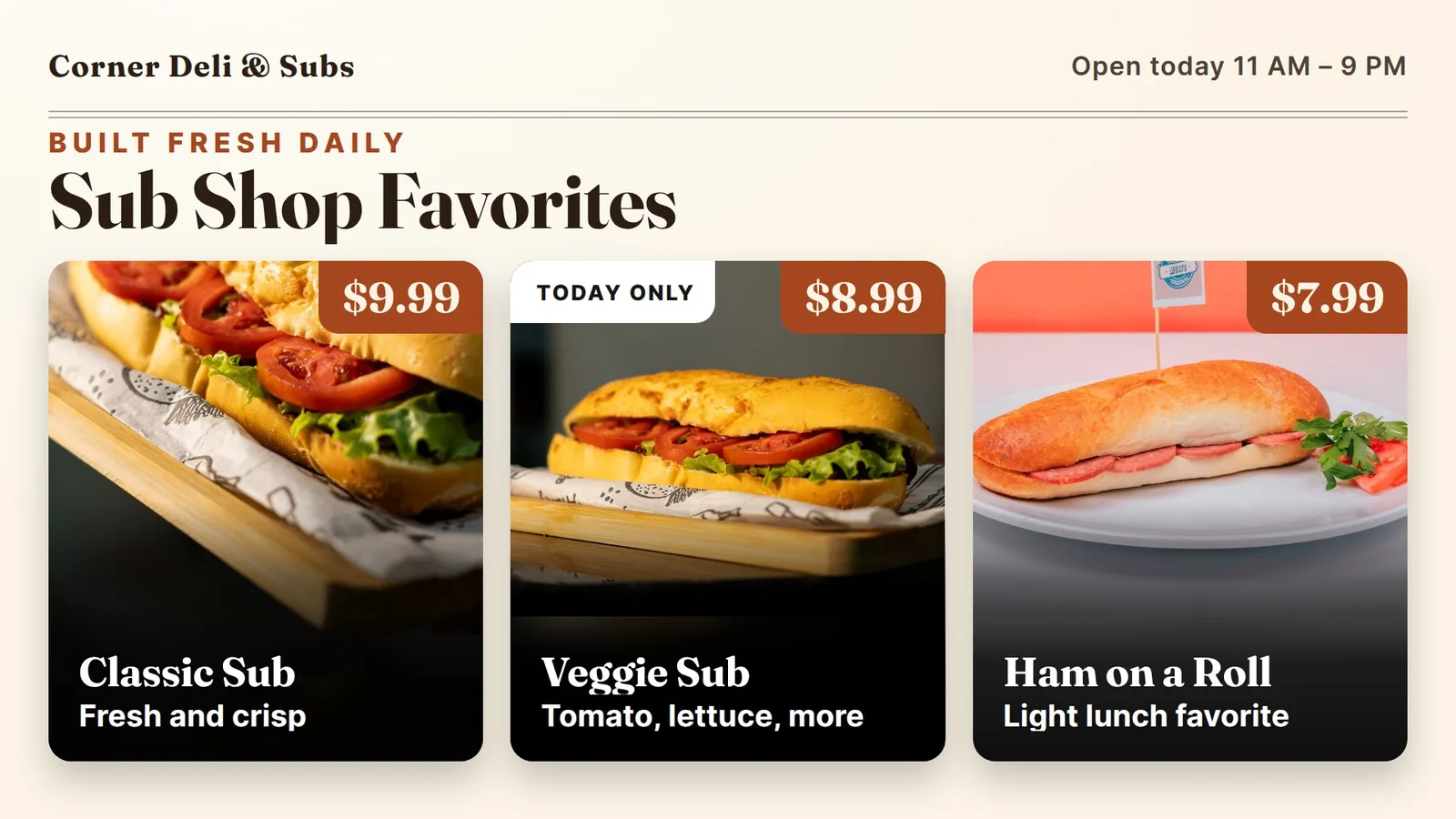
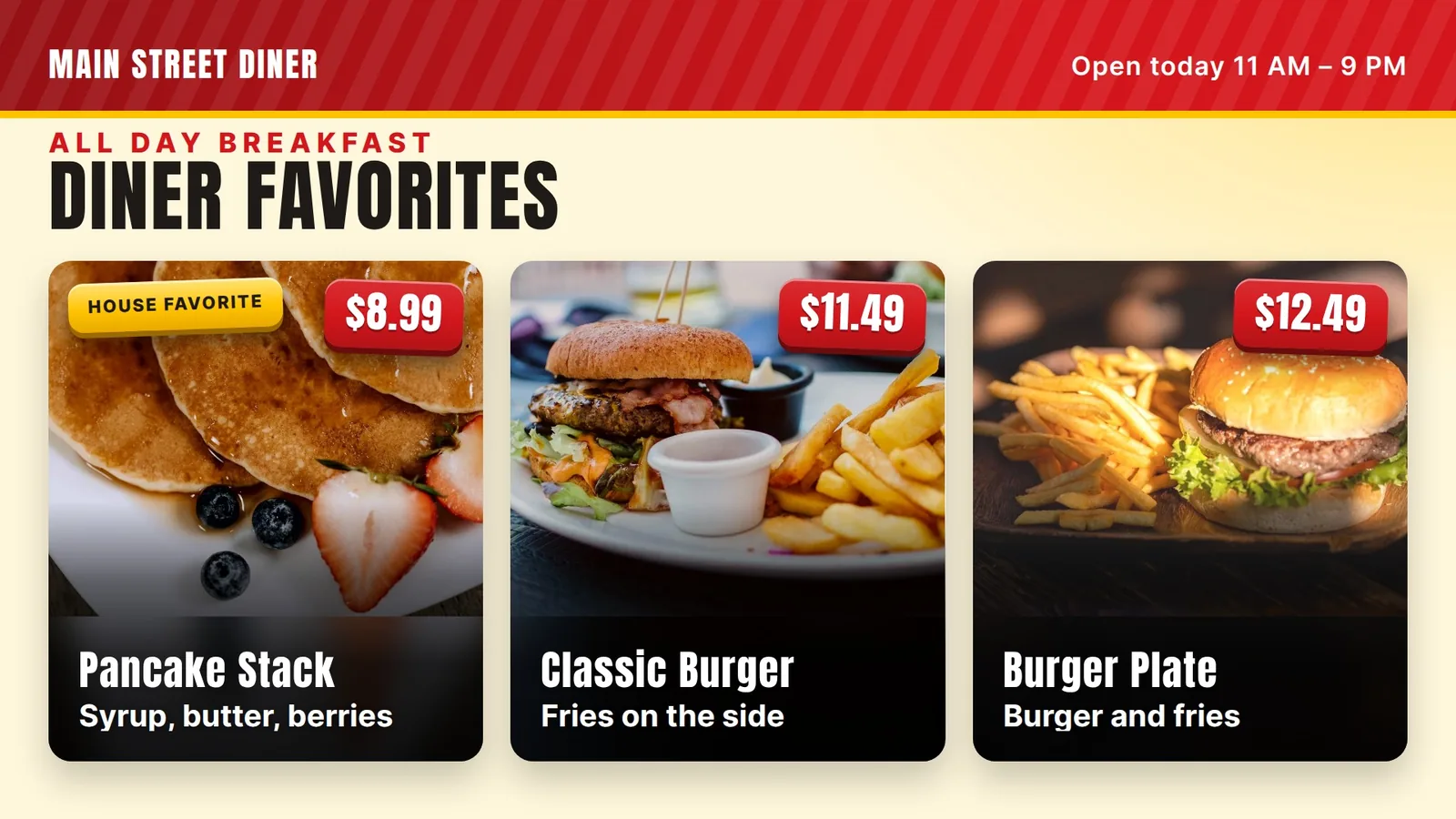
Give the top three a photo. A stack of pancakes or a burger and fries is easy to spot from across the room. Our example board uses three free-to-use stock photos. Real photos of your own plates are better when you have them.
Keep names short and familiar. “Pancake Stack” works better than a long sentence. One short line under the name is enough, such as “Syrup, butter, berries.”
Give the top three a photo.
Breakfast and lunch are two different crowds. In the morning, guests want eggs, pancakes and coffee. At noon they want burgers and sandwiches. One crowded board that tries to cover both is hard to read at either time.
Make two boards, one for breakfast and one for lunch, each with its own short list. Use a clear title on each. Our team can set up both boards for you. Today we change what is on the screen when you ask us. The live screen schedule turns the TV on and off by hours and day. It does not switch from breakfast to lunch by itself.
If you have two screens, one can show breakfast and one lunch, all day. That also works for a diner that serves breakfast all day.
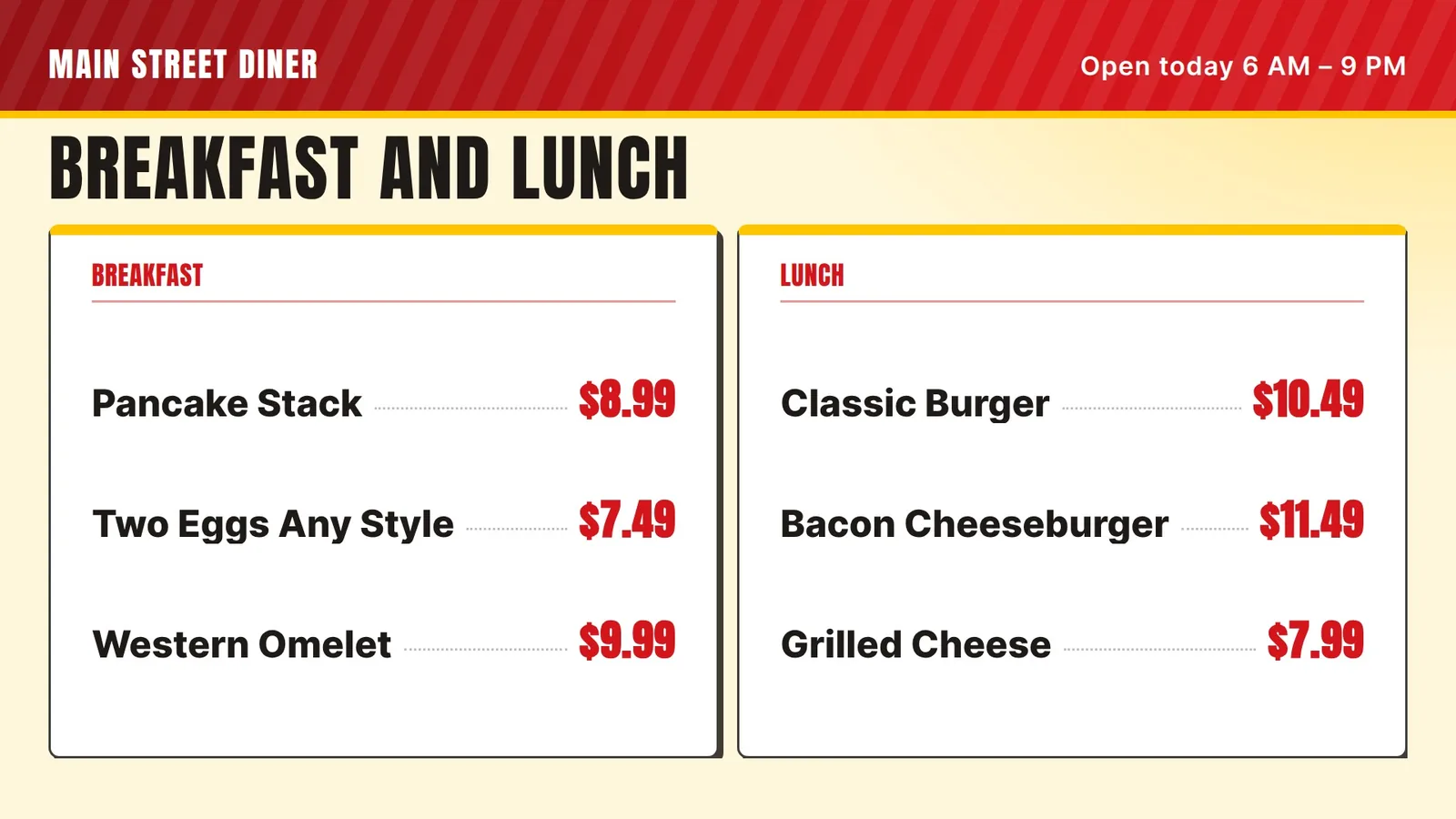
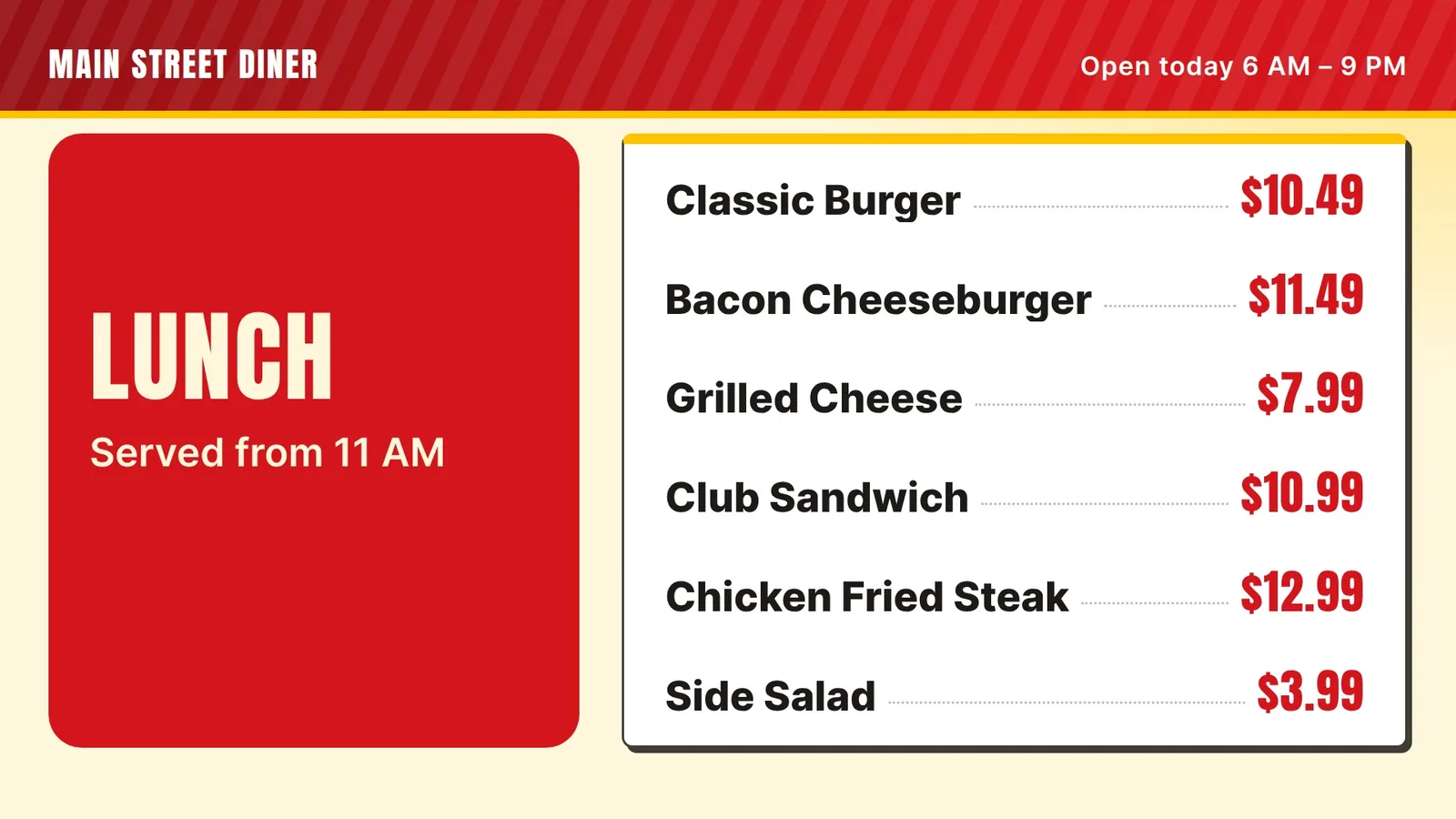
Every diner has a special: the soup of the day, a meatloaf plate, a pie. Give it one fixed place on the board, like a colored box at the right or the bottom. Change only what is inside the box.
Regulars learn where to look. They do not have to read the whole board to find out what is special today.
Write the special the way a person would say it: “Today: Meatloaf Plate, $11.99.” Do not add three lines about the gravy. If the special sells out, send us the change and we update the box.
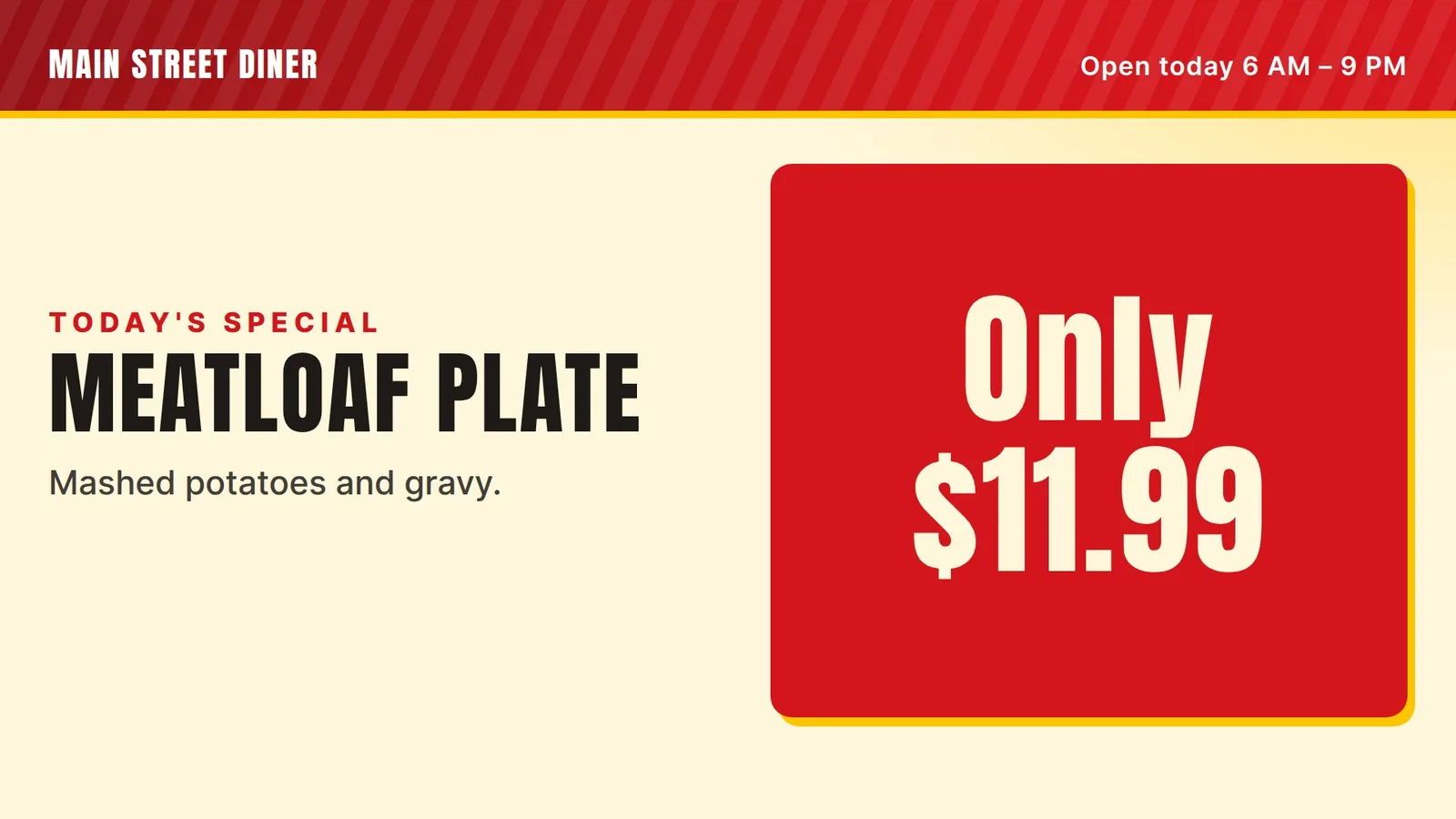
Give the special one fixed place on the board.
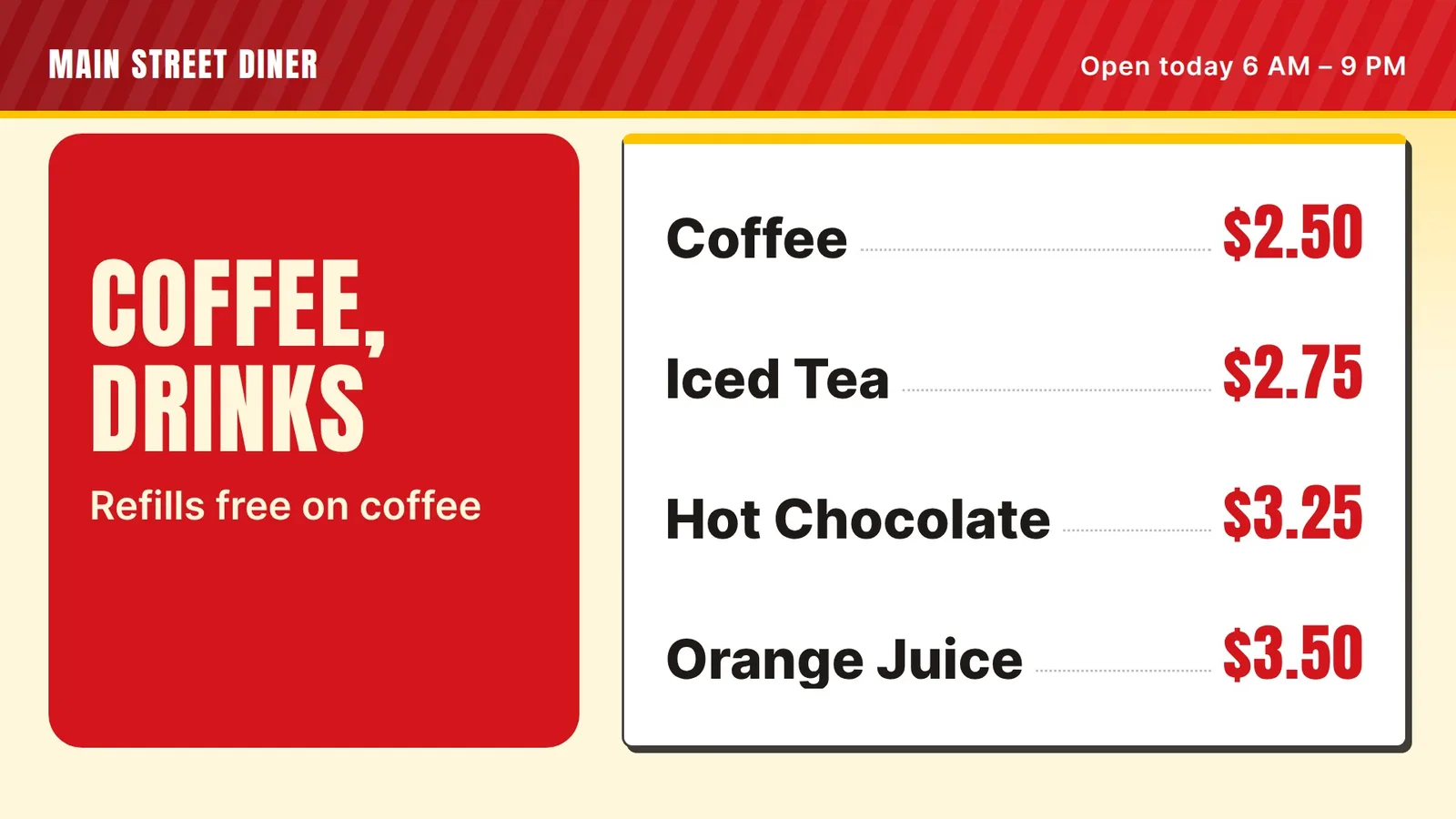
Coffee is the one thing almost every guest orders. Give it a small strip of its own at the bottom or the side: coffee, tea, juice, hot chocolate. Four lines and four prices is enough.
If refills are free, say that once in the title, so you do not have to repeat it on every line. Put the strip in the same spot on both the breakfast and the lunch board. Then the eye finds it without searching.
Keep it simple. The screen is for favorites, prices, the special and drinks. Paper is for the long list, the allergy notes and anything a guest wants to read slowly.
Prices should sit in one column on the right, in the same style on every line. Skip the cents when you can. “$9” reads faster than “$9.00.” If you do show cents, show them on every line.
Setting the screen to turn on and off at your hours means your team never has to touch a remote. At our shop in Davie, Florida, that is how our five screens work.
The screen is for favorites, prices, the special and drinks.
Here is how a change works with us today. You text us or use the contact form: “Today's special is meatloaf, $11.99.” Our team updates your board. Plan for a short wait, then check the screen.
We do not link your register to the board yet. When a price moves, change it in both places.
That is what a screen costs with us. The first 14 days are free, with no card, and there is no contract. See pricing for details.
Our five screens run in an ice cream and shave ice shop, and this advice comes from there. We do not run a diner, and we have not set up a screen in one yet. The example boards here are made up. If you run a diner, tell us what you need and we will say plainly if it fits. More to read: our guide to digital menu boards for restaurants, menu board design tips, printed, chalk or digital and how to update a digital menu board.
A plain guide for owners.
Groups, a daily soup box and clean prices.
Tap lists, strength and a new-this-week strip.
We open free trials a few shops at a time, and we set up your first screen with you.
14 days free, no cardNo contract. Cancel anytime.