Printed, chalk or digital
Which kind of board fits your shop.
14 days free. No card.
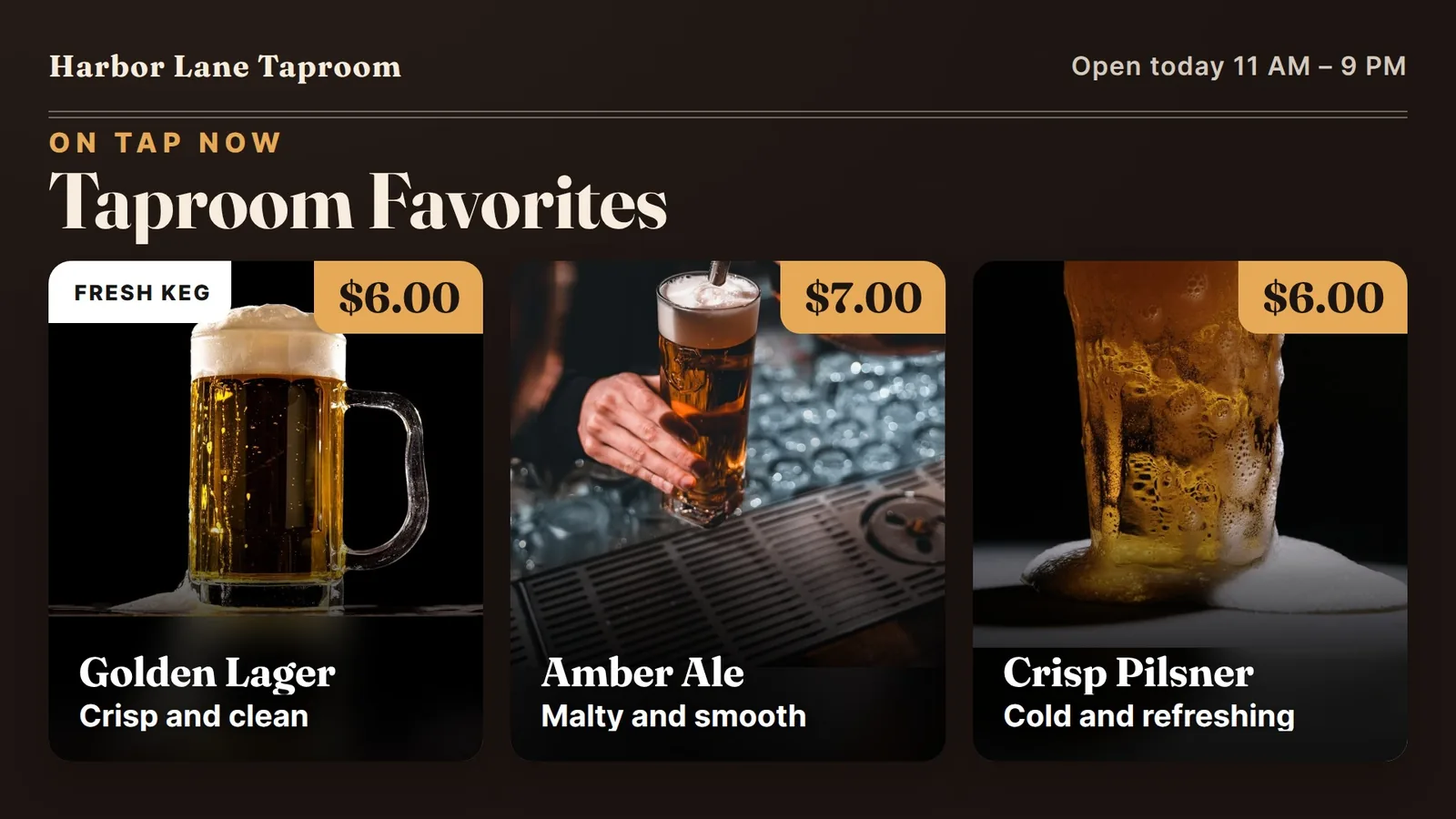
Tap lists change all the time. Here is a plain plan for a board that shows every beer, its strength and its price, and is easy to read from the door.
A taproom menu is not like a diner menu. Kegs run out. A new beer goes on. A seasonal one comes back for a few weeks. If your list is printed or written on a chalkboard, someone has to redo it every time.
Picture a Friday at 5 p.m. The room is filling up. Someone asks, “What is the amber?” A bartender points at a board that was right on Tuesday but now has a beer crossed out. That small mix-up costs a minute for each guest who asks.
A screen on the wall helps because the list can match what is really on tap. Fewer questions at the bar means more time pouring.
A screen on the wall helps because the list can match what is really on tap.
Guests look for the same few facts, so give each beer a row with the same pieces in the same order: name, style, strength, size and price.
Keep the name big. Put the style in a short word or two, such as “Amber Ale” or “Hazy IPA.” Show strength as a plain number like 5.5%. Then show the pour size and the price. Do not add long tasting notes. They belong on a card at the bar or in your server's voice.
Line the prices up in one column on the right. A guest can run an eye down the list and compare without reading every word.
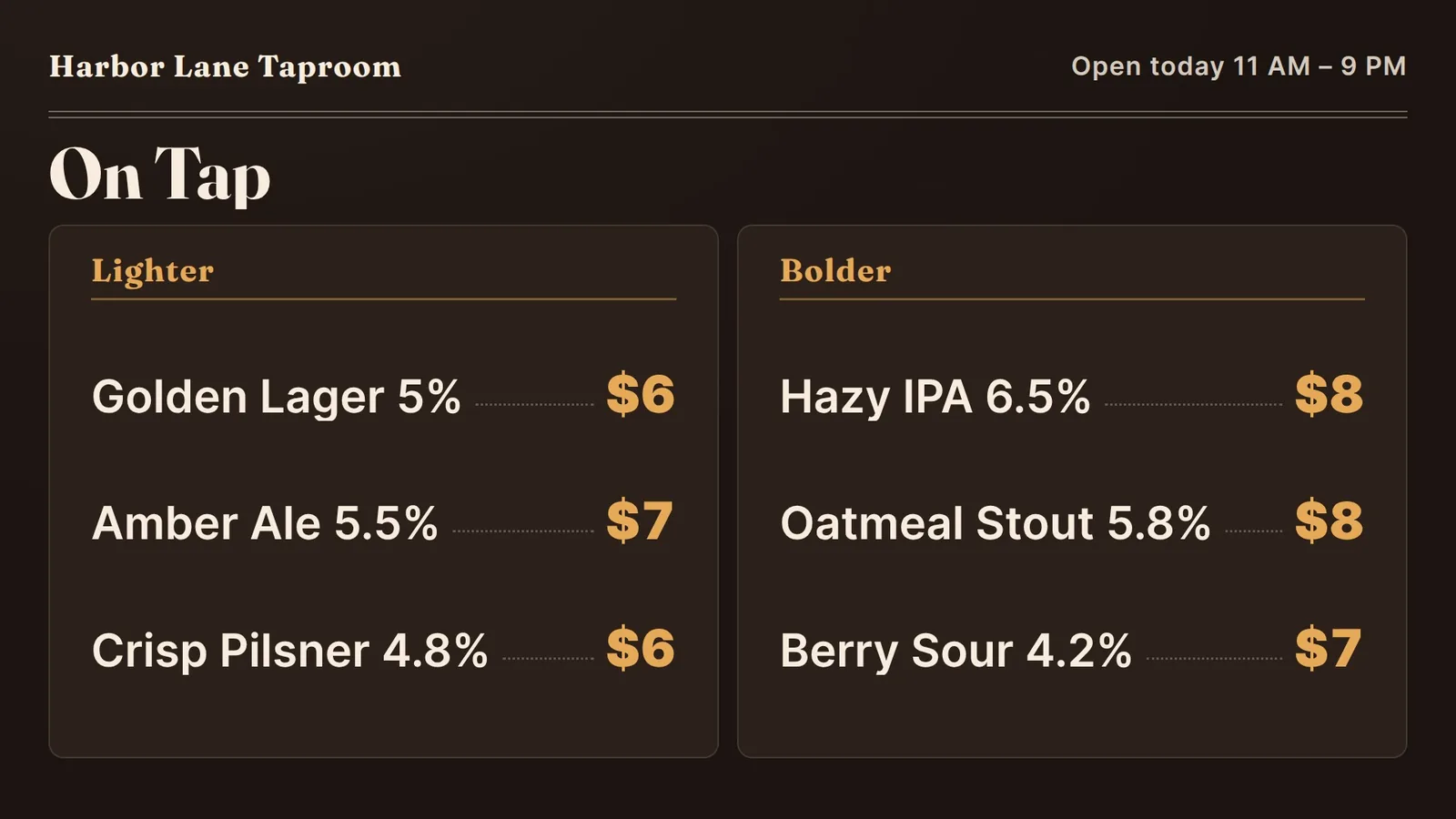
Give each beer a row with the same pieces in the same order.
Regulars come in to see what is new. Give them one fixed spot to look. A small strip at the side, or a second board, can hold two or three beers that just arrived.
The strip stays in the same place every week. Only the names inside it change. Guests learn where to look, and the main list stays calm.
Three is plenty. If the strip gets to six or seven, it stops being a “new” strip and turns into a second menu.
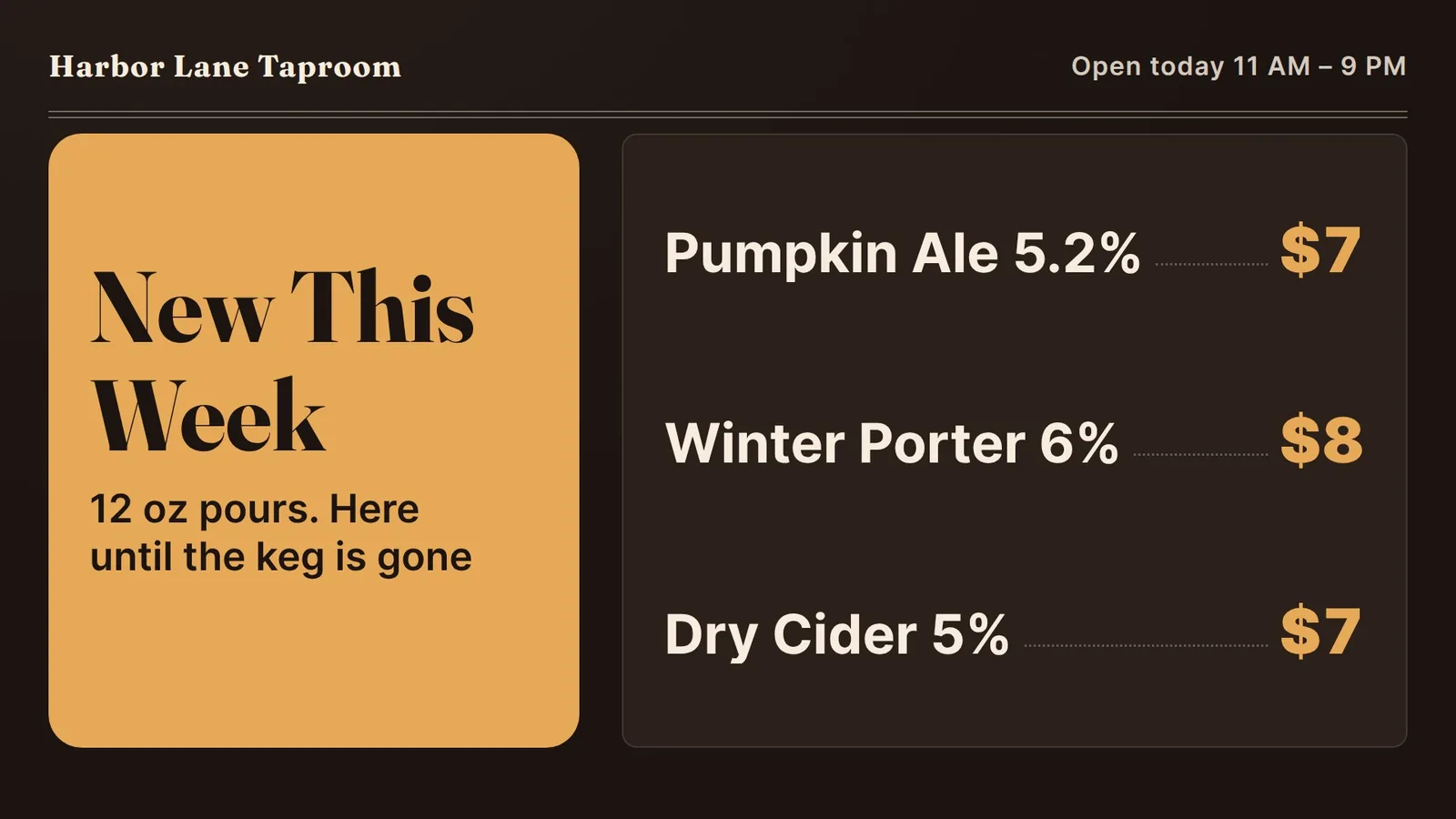
The strip stays in the same place every week. Only the names inside it change.
Many taprooms also sell pretzels, wings or a few plates. Keep food and drink on separate boards, or in separate halves of a wide screen. A guest with a pint in hand should not have to hunt for a pretzel inside a list of beers.
Give food a short list of five or six items with the price on the right, just like the beers. If you have two screens, hang the drinks board where people stand to order and the food board near the kitchen window or the register.
Use the same fonts and colors on both. Then the two boards look like one menu, even when they are on different walls.
Keep food and drink on separate boards, or in separate halves of a wide screen.
A bright TV in a dark room after closing is a waste. Our app lets you set the screen to turn on and off at the hours you choose, for each day of the week. At our shop in Davie, Florida, the screens go black after closing and come back at opening, and the staff never touch a remote.
Taprooms often have different hours on weekends or event nights. You can set those days differently from the week.
Alcohol rules are different from place to place, for example around how drinks can be advertised. Check your local rules. We cannot give legal advice.
Here is how a change works with us today:
We do not link your kegs or your register to the board. If a beer runs out, tell us, and change your register too. A TV with Fire TV built in, or a Fire TV Stick in an HDMI port, can run our app. See our Fire TV menu board page.
That is what a screen costs with us. The first 14 days are free, with no card, and there is no contract. See pricing for what each plan includes.
Our five screens run in an ice cream and shave ice shop in Davie, Florida, and this advice comes from there. We do not run a taproom, and we have not set up a screen in one yet. The example boards here are made up. If you run a taproom, tell us what you need and we will say plainly if it fits. More to read: printed, chalk or digital, how to update a digital menu board, menu board design tips and our features.
Which kind of board fits your shop.
Drinks first, toppings in a side panel.
Breakfast, lunch and the daily special.
We open free trials a few shops at a time, and we set up your first screen with you.
14 days free, no cardNo contract. Cancel anytime.