Digital menu board media player
What the player does and what to buy.

Two small players can run a menu board. One is a build-it-yourself computer. One is a plug-in stick. Here is how they differ.
A Raspberry Pi is a small, low-cost computer about the size of a deck of cards. Many people like them, and many tinkerers have built a menu board with one. The idea is simple: plug the Pi into a TV with an HDMI cable, run some signage software on it, and show your menu on the screen.
The appeal is clear. You control everything. You can pick your own software, and the board is yours to shape. If you like to build things, a Pi board can be a fun project. For some shops it is also a way to keep the first cost low, because the computer itself is low-cost. Price changes often, so check a store for today's number.
The computer is only the start. A Pi has no case, no power supply and no storage unless you add them. You need a memory card, a power adapter, a case and an HDMI cable. Then you install an operating system and a program that plays your menu. That takes patience, and a few steps can go wrong.
After setup comes the daily work. Someone has to keep the software current, fix it when the memory card fails, and set the screen to turn on and off. If you want it to come back after a power cut, you set that too. This is a good fit if you enjoy it and you have time. It is a hard fit if you run a busy counter and your free hour is gone by 10 a.m.
A Fire TV Stick is a small stick, about the size of a pack of gum. It plugs into an HDMI port and a power cable. Many TVs also have Fire TV built in, so there is nothing to plug in. You use the system already on the stick, so there is no operating system to install.
Our app runs on Fire TV. At Sweet Aloha, three of our TVs have Fire TV built in, and two use sticks. All five run Wow Menu Boards every day. The menu is saved on the TV, so it keeps playing when the Wi-Fi drops. The screen turns on and off at set hours, and updates arrive by themselves. We do not run on Raspberry Pi. You can learn more on our Fire TV menu board page.
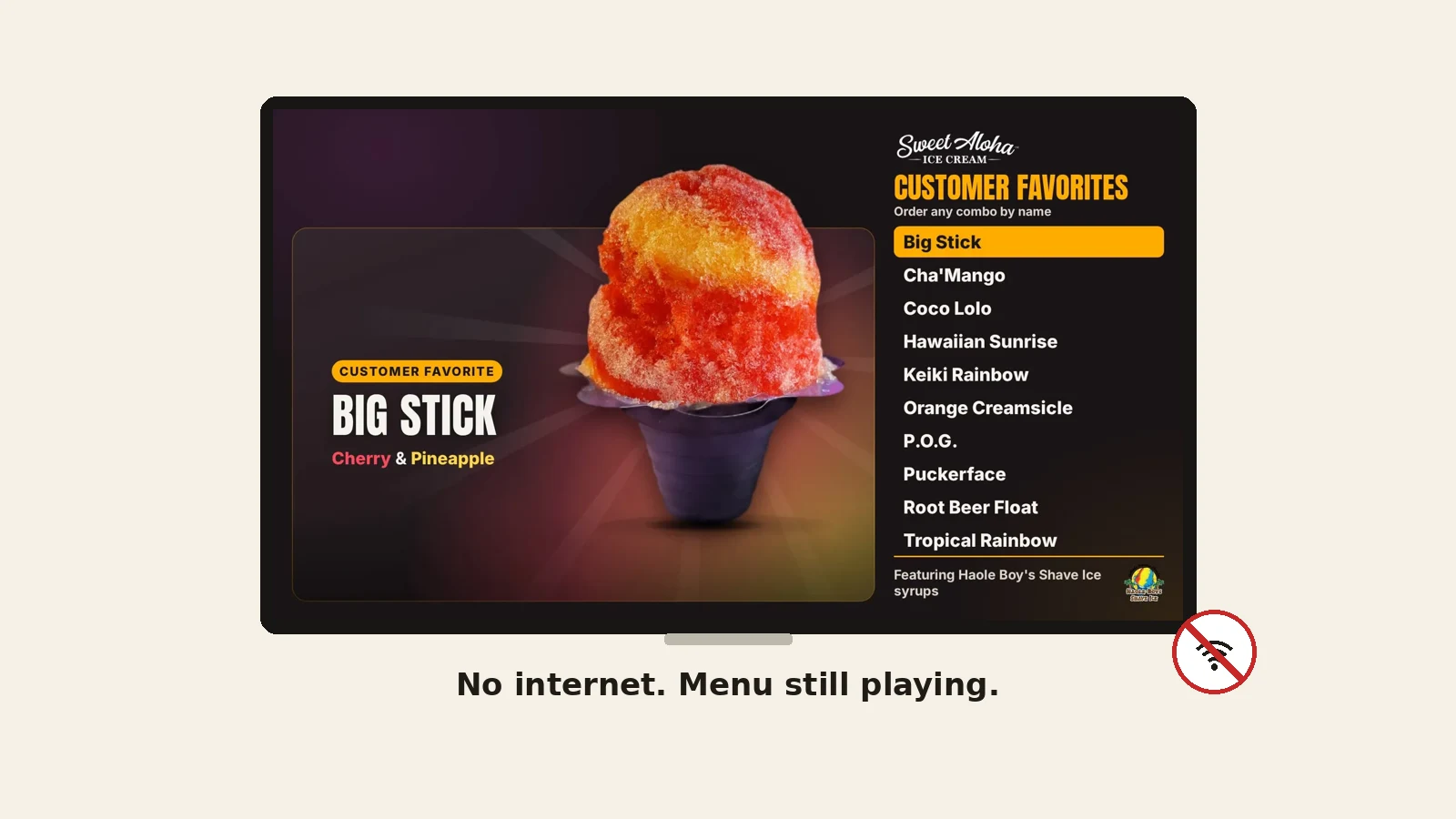
Here is a plain look at the two, based on how each one works. It is not a test, and we have not timed a Pi in our shop.
| Question | Raspberry Pi | Fire TV Stick (ours) |
|---|---|---|
| What you buy | The Pi, power adapter, memory card, case and cable | A stick, or a TV with Fire TV built in |
| Setup | You install the system and the signage software | We set it up with you; the app installs on the Fire TV |
| Hours on and off | You set it up yourself | Exact on and off times, set once |
| When Wi-Fi drops | Depends on the software you pick | Your menu keeps playing from saved files |
| Updates | You keep it current yourself | The app updates itself |
| Fits | People who like to build | A busy counter with no spare hour |
Neither is wrong. The question is who does the work.
Want a screen that is ready to run? We set up your first one with you. Try it free for 14 days, no card.
Pick a Pi if you enjoy the project, you have time to fix it, and you want to learn. It can be a fine hobby, and it gives you full control. Plan for the work that comes after the first day.
Pick a Fire TV if you want a board to just run. That is what we picked for our own shop, because our team has a line to serve. One more tip: whichever you choose, give the player its own outlet, test the Wi-Fi at the wall, and keep a printed menu as a backup. For a wider look at players, read our media player guide.
Today our team builds your board and sends it to your screens. Full-HD motion, exact schedules, offline play and self-updates are live. Installing from the Amazon Appstore and a dashboard to edit it yourself are Coming soon. Our Basic plan is $12 per screen, per month, and Standard ($19) and Pro ($29) open when Clover sync ships. See digital menu board cost for the full list of costs.
What the player does and what to buy.
Five steps, with examples from our shop.
What small shops really pay, in plain parts.
The plain guide: what to buy and what to ask.
We open free trials a few shops at a time, and we set up your first screen with you.
14 days free, no cardNo contract. Cancel anytime.